

Many London small and medium-sized businesses learn that a server, backup or email service has failed only when a member of staff reports it. By then, the fault has often been developing for days or weeks, and recovery is slower and more expensive than it needed to be. IT monitoring services, delivered through remote monitoring and management (RMM) platforms, change that pattern. Systems are watched continuously, warning signs are recorded, and engineers act on them before users notice a problem. This article explains how proactive IT monitoring works, why it generally outperforms reactive fixes, and what owners should expect from a provider.
Table of Contents
- Quick Takeaways
- Why Reactive Fixes Cost More Than They Appear
- What Remote Monitoring and Management Covers
- Reactive Support, In-House IT and Managed Monitoring Compared
- Choosing an IT Monitoring Provider for a London Business
- Turning Alerts Into Action
- Frequently Asked Questions
- References
Quick Takeaways
| Key Insight | Explanation |
|---|---|
| Reactive support ties cost to failure | Break-fix billing rises when systems fail. Monitoring spreads cost across a planned service fee and reduces the number of emergency call-outs. |
| Most faults show warning signs first | Repeated event log errors, failed backup jobs and out-of-date antivirus definitions usually appear well before a visible outage. |
| RMM covers devices and servers around the clock | Monitoring agents report health data continuously, and alerts are routed to engineers who can respond outside office hours. |
| Alerts need owners and response times | Monitoring without defined thresholds and named responders creates noise rather than protection. |
| A completed backup is not the same as a recoverable backup | Monitoring should confirm job success, and the business should also schedule periodic test restores. |
| Service levels should be written down | Response times, devices in scope and reporting frequency should appear in the service agreement, with monthly reports to measure performance. |
Why Reactive Fixes Cost More Than They Appear
Reactive support looks inexpensive on paper. A fault is reported, an engineer attends, and the invoice reflects the time spent. The true cost of an outage is rarely the repair bill alone, because it includes idle staff, delayed customer orders and emergency work carried out under pressure.
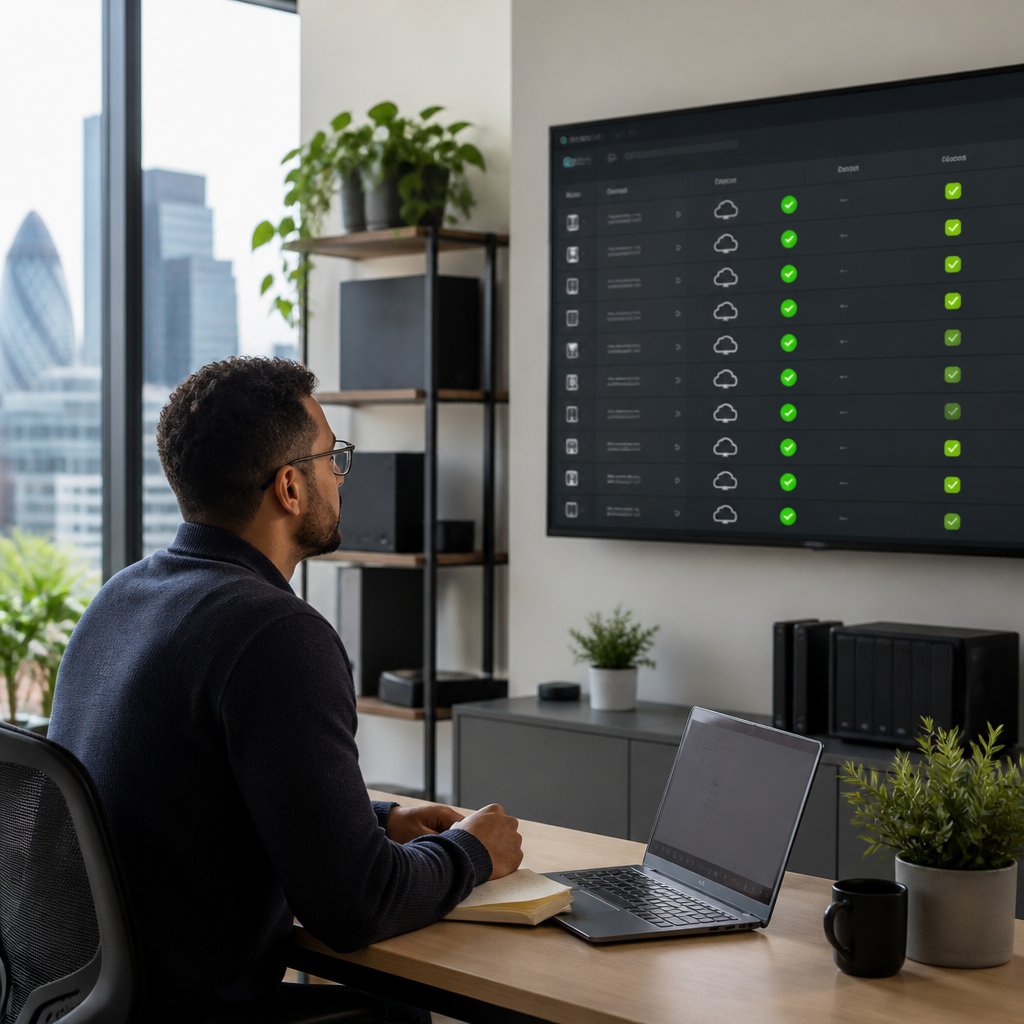
The incentive structure also matters. N-able, a vendor of remote monitoring software, has observed that when extra work carries an hourly fee and systems appear to be working, proactive maintenance is often deferred. Owners who rely on reactive support therefore tend to pay for problems only after they have become visible.
Most faults give warning before they stop work. Event logs fill with repeated errors, backup jobs fail on particular nights, antivirus definitions fall behind, and a drive in a storage array can fail without anyone being alerted. N-able’s guidance states that most problems display warning signs before they become critical issues, and monitoring turns those signals into alerts that a person can act upon.
Most failures are visible in advance. The practical question for an owner is whether anyone is watching the signals that come before them.
Pro tip: Ask any prospective provider to list the specific events, thresholds and logs it monitors. A provider that cannot answer this in writing is unlikely to act consistently on early warnings.
What Remote Monitoring and Management Covers
Remote monitoring and management, usually shortened to RMM, describes software that reports on the health of computers, servers and network devices from a central console. SolarWinds describes RMM as a way to enhance IT efficiency, security and cost-effectiveness, while Splashtop notes that RMM software helps IT teams and managed service providers monitor, maintain and troubleshoot endpoints remotely. In a managed service, engineers operate the software and respond to the alerts it raises.
Device and server health
Core monitoring tracks processor and memory utilisation, storage capacity, running processes and application services. Persistent high utilisation often signals an ageing device or an application that has outgrown its hardware. Inventory collection supports this work, because outdated equipment can be identified and replaced before performance degrades to the point of disruption.
Backup, antivirus and security signals
Monitoring should confirm that backups complete on schedule, whether stored on premises or offsite, and that antivirus software is receiving updates and reporting activity. Firewall logs and attempted spam relay activity give early indication of unwanted access. These checks are routine, yet they are easily overlooked when no one is assigned to review them.
Pro tip: A successful backup job does not prove that data can be restored. Request periodic test restores so that the business knows recovery works before it is needed.
Application services and cloud platforms
For businesses using Microsoft 365, Azure, AWS or Google Cloud (GCP), monitoring extends to the services those platforms provide, such as mail flow and sign-in activity, within the limits of each platform’s tooling and licensing. Cloud services change the monitoring boundary but not the principle. A service that staff cannot use is a business problem, regardless of where it runs.
Reactive Support, In-House IT and Managed Monitoring Compared
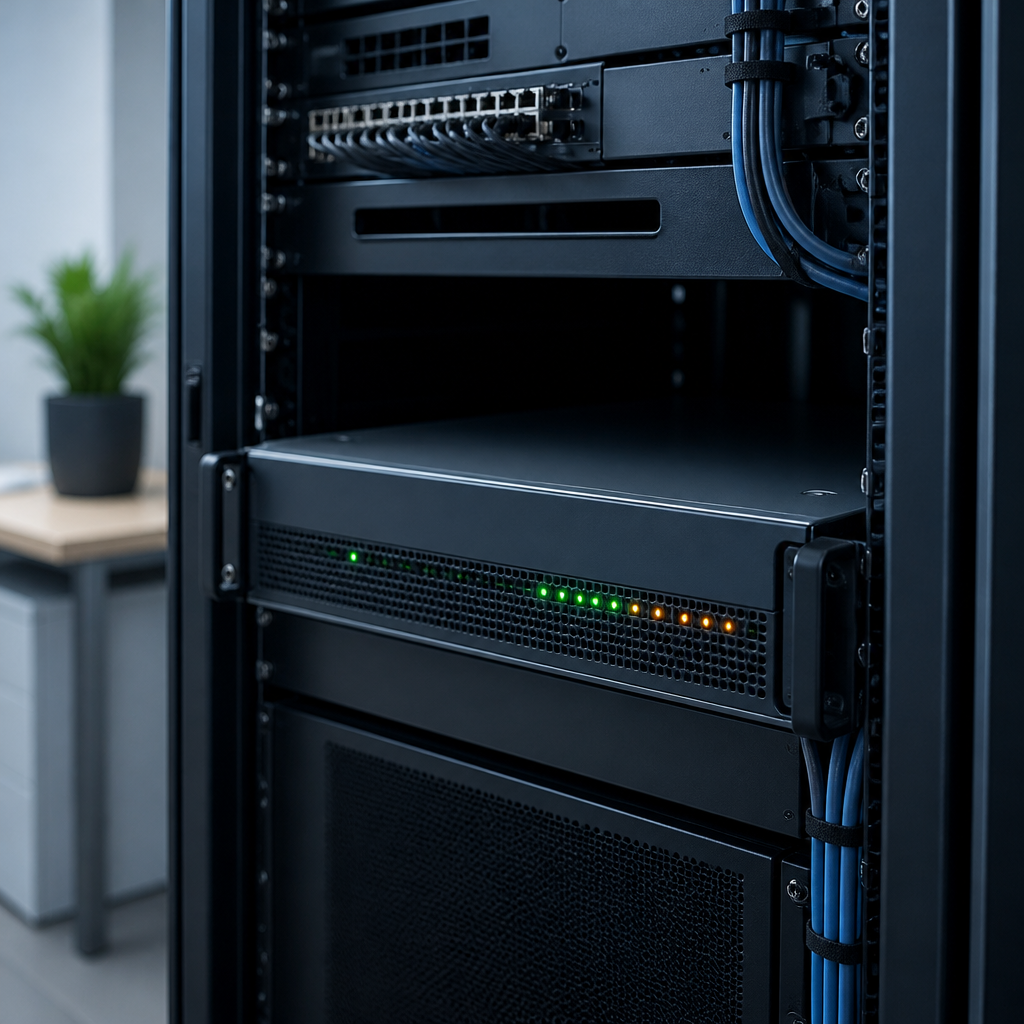
Three models are common among London SMEs. Each finds problems in a different way and produces a different cost pattern. The table below summarises the trade-offs for an owner choosing between them.
| Approach | How Problems Are Found | Cost Pattern |
|---|---|---|
| Reactive break-fix support | Users report faults after they affect daily work | Hourly or per-incident charges, with unpredictable monthly spend |
| In-house IT administrator | Found through daily work and user reports, with coverage limited to one person’s working hours | Salary plus tooling costs, with gaps during leave, illness and peak periods |
| Managed RMM monitoring within an outsourced IT department | Continuous automated alerts, handled under defined response processes | Planned monthly service fee, with service levels agreed in advance |
In practice, reactive support leaves the owner carrying the risk of every outage. An in-house administrator improves response but rarely covers absence or out-of-hours incidents alone. Managed monitoring with defined service levels spreads that coverage across a team and records each alert, which makes performance measurable.
Choosing an IT Monitoring Provider for a London Business
Selecting a provider is a governance decision as much as a technical one. A London SME should expect a provider to explain what is monitored, who responds, how quickly, and how results are reported to management. iTO.London delivers these elements as an outsourced IT department, combining senior engineers, rapid response helpdesk support and transparent pricing.
Questions to put to a provider
Owners should ask which RMM platform is used, how alerts are triaged, whether monitoring operates around the clock, and what happens outside business hours. They should also confirm who holds administrative access and how that access is reviewed. Clear answers indicate a provider that treats monitoring as an operational discipline.
Service levels to request in writing
Service level agreements should state response times by severity, the devices and services in scope, and the frequency of reporting. Quarterly technology reviews help the business assess trends, plan replacements and confirm that the agreed measures still reflect its priorities.
Pro tip: Request a sample monthly report before signing. A useful report shows alerts raised, incidents resolved, devices in scope and any hardware approaching end of life.
Turning Alerts Into Action
Monitoring produces value only when alerts lead to decisions. Without defined thresholds, owners and engineers receive a constant stream of notifications, many of which carry no operational significance. Effective services classify alerts by severity and assign a named responder to each category.

Setting severity levels and ownership
A typical structure separates critical events, such as a failed server or a suspected ransomware indicator, from advisory events, such as a component approaching capacity. Critical events should trigger immediate engineer action and notification to the business. Advisory events can be scheduled into maintenance windows, which avoids disruption during trading hours.
Using trends to plan change
Patterns across months are often more informative than individual alerts. Repeated disk warnings on one device, or recurring backup failures on the same night each week, point to a root cause that a single restart will not resolve. Reviewing these trends at each quarterly review allows investment decisions to rest on evidence rather than urgency.
Frequently Asked Questions
What are IT monitoring services?
IT monitoring services use software agents and a central console to track the health, performance and security signals of devices, servers and cloud services. Engineers review the alerts and respond according to agreed service levels. The aim is to address faults before staff notice them.
What does RMM stand for, and which businesses need it?
RMM stands for remote monitoring and management. It is relevant to any London business with computers, servers or network devices that must remain available, particularly firms without a full-time IT team.
Is proactive monitoring worth the cost for a small business?
Proactive monitoring replaces unpredictable emergency charges with a planned fee and reduces the frequency of unplanned outages. The value depends on how much disruption a business can absorb, so owners should compare the monthly fee with the cost of a day without working systems.
How does managed monitoring differ from antivirus software?
Antivirus software protects individual devices from malicious code. Managed monitoring observes a wider set of signals, including backups, update status, server events and application services, and it provides people who respond when those signals change. The two are complementary rather than interchangeable.
What should a business expect in the first month of a monitoring service?
A sensible onboarding period includes discovery of devices and services, configuration of alert thresholds, and agreement of response procedures. Owners should receive a baseline report showing the current state of the IT estate and a prioritised list of issues to resolve.
We would welcome your experience of how monitoring has changed the way your business handles IT incidents, so please share your comments or questions.
We would love your feedback and any insights you would share with others. What perspective would you add?