

Choosing Microsoft 365 management in London can mean anything from help with a tenant migration to an ongoing virtual IT department. Here are five providers and the details that may help you decide which support model fits your business.
1. iTO.London
iTO.London provides managed IT support, Microsoft 365 administration, consultancy and technical project delivery for London businesses. It suits small and medium-sized organisations that want a familiar support route alongside guidance on what to fix, plan or buy next.
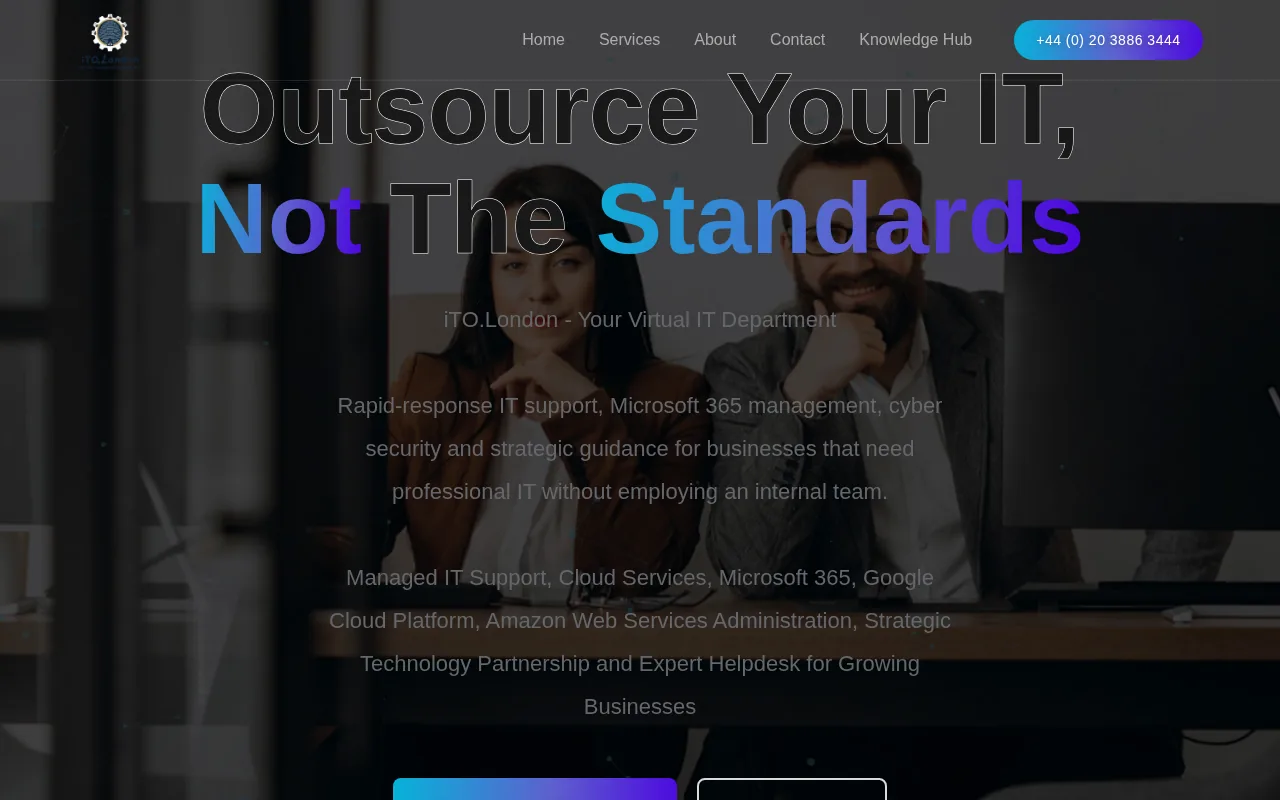
Microsoft 365 support can cover user accounts, Exchange Online, Teams, SharePoint and OneDrive. Work can also include Microsoft Entra for identity and access, Intune for device management, account security and staff onboarding or offboarding. The exact responsibilities depend on the agreed service scope.
The service combines a rapid response helpdesk with an outsourced IT manager. That distinction matters: a helpdesk can deal with a staff member’s access problem, while an IT manager can help the business decide how to organise permissions or plan a wider change.
Support is primarily remote, with on-site visits across London when required and agreed. Monthly managed support has a defined scope, so check the agreement for service hours, included work, response targets and visit arrangements. Major migrations and other substantial projects are scoped separately unless the agreement says otherwise.
For example, a growing consultancy might need a clear process for setting up new starters, managing shared files and reviewing access when someone leaves. iTO.London can discuss those needs as part of a wider support relationship, rather than treating each request as an isolated fault.
Published support plans include per-user monthly prices, but the plan details differ. The services page lists Essential plans from £58, Concierge plans from £62.50 and Business plans from £75 per user per month. Check the current scope with iTO.London before treating a plan as a match for your Microsoft 365 requirements.
iTO.London’s approach is built around clear ownership and business priorities. If you need a support partner who can help with daily issues and longer-term planning, its managed IT and Microsoft 365 services explain the areas it covers.
2. Foxcomm
Foxcomm designs, migrates, secures and manages Microsoft 365 tenants. Its services include migration and ongoing administration across Microsoft 365 services.
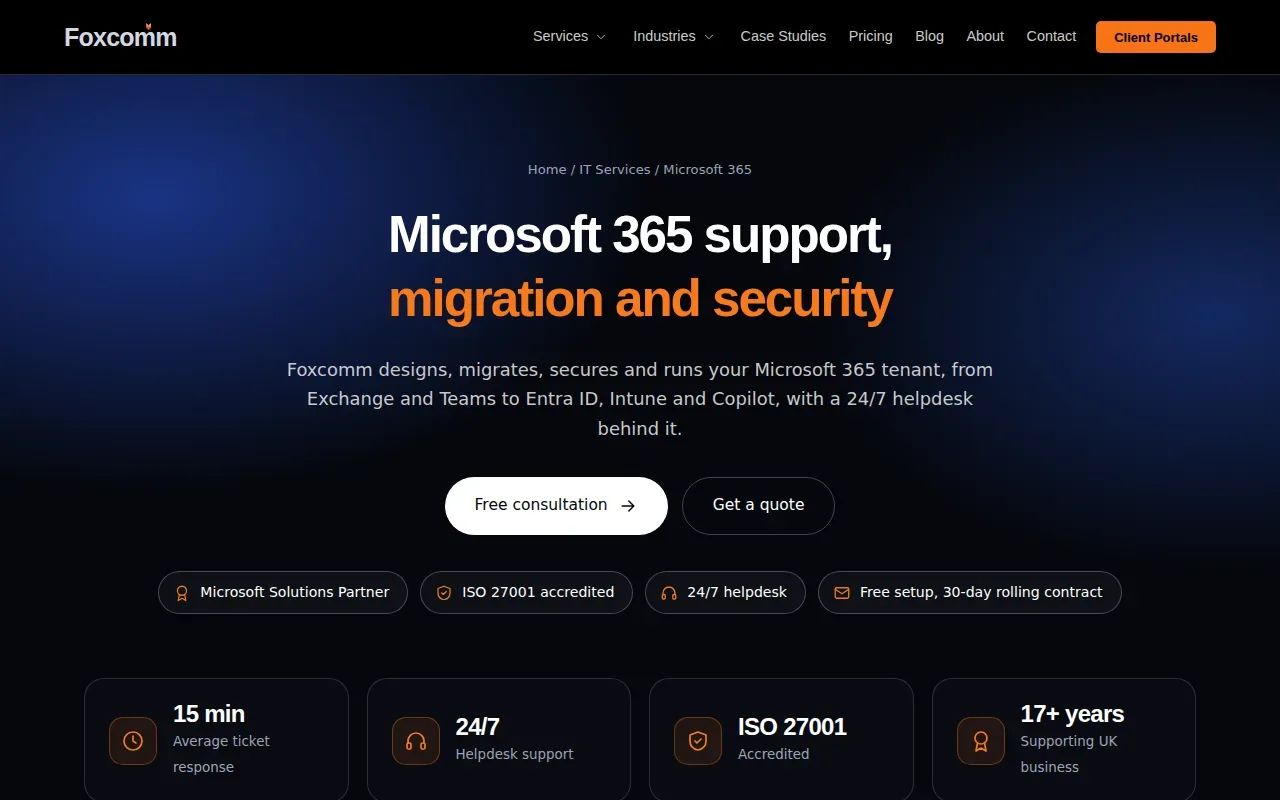
The service list includes Exchange Online, Teams, SharePoint and OneDrive, as well as Microsoft Entra, Intune and Copilot. For a business with scattered settings or unclear ownership, that breadth may help it agree which systems need attention before work starts.
Foxcomm describes tenant-to-tenant migration as a staged project. Its process includes discovery of users, licences, domains, groups, connected apps and existing access policies. The provider says it prepares the destination tenant before cutover and uses delta passes to copy changes made after an initial data transfer.
That kind of plan is useful when a business is changing tenants after a rebrand or organisational change. Ask who approves the change-freeze window, how staff will be told what is changing and what rollback options are agreed. Migration planning should cover the working impact, not only the movement of mailboxes and files.
Foxcomm states that it provides a 24/7 remote helpdesk. Make sure the agreement separates ongoing support from migration tasks.
Copilot is included in its service scope. Before enabling AI features, a business should review permissions and file access so that staff only see information they are meant to use. Foxcomm says it provides data readiness, licensing and training work for Copilot adoption.
Foxcomm may suit a business looking for Microsoft 365 migration and administration within one service relationship. Ask for the proposed stages and handover responsibilities in writing.
3. EC-MSP
EC-MSP provides managed IT support with Microsoft 365 support as part of its service. Its model may appeal to a business that wants a named support contact as well as access to a helpdesk.
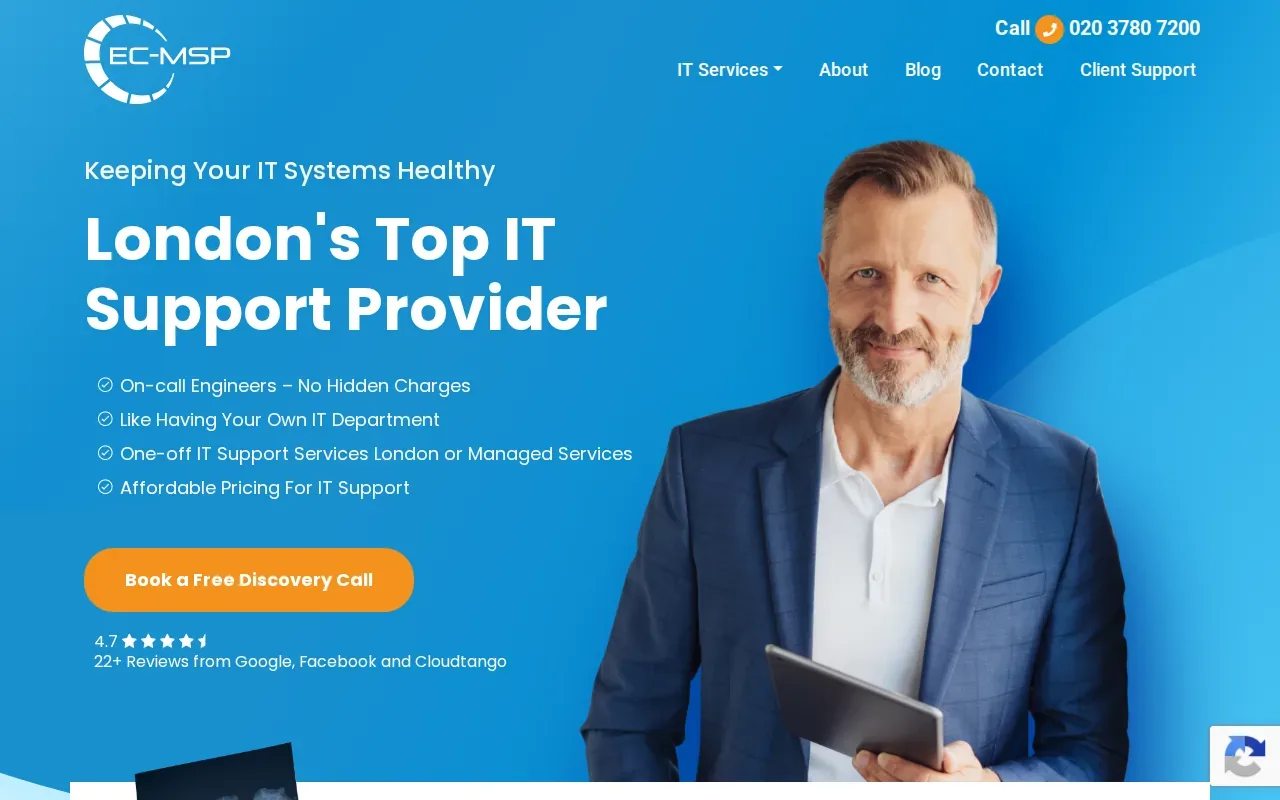
Every package includes a dedicated IT support engineer and an account manager. EC-MSP also states that remote IT support through its helpdesk is unlimited, with on-site visits available as an option.
The provider gives a response target of within 24 hours on business days. That is a response commitment, not a promise that every issue will be resolved within that time. Ask how the target applies to urgent Microsoft 365 problems, such as a senior team member losing access before a client meeting.
EC-MSP charges per user rather than per device. That can make the billing basis easier to relate to headcount, but you should still check how contractors, shared devices and staff with different support needs are treated in your quote.
When you compare support packages, ask which Microsoft 365 tasks are in scope. Examples include adding or removing users, fixing mailbox issues, managing Teams access and changing SharePoint permissions. A clear list helps prevent a gap between general IT support and the administration your tenant actually needs.
For a business with an existing internal IT contact, an account manager and dedicated engineer may help define who handles day-to-day tickets and who tracks open work. Confirm the route for escalating an issue and whether on-site visits are included or arranged separately.
EC-MSP is worth considering when you want a per-user pricing model and a stated business-day response target. Match those terms against the support hours and Microsoft 365 tasks your team relies on.
4. The Final Step
The Final Step is a London IT support provider that focuses on professional services firms and SMEs. It says it has supported businesses across Central and Greater London from its Camden base since 1987.

Its Microsoft 365 services include consulting, setup and migration, training, security and ongoing support. The provider also describes SharePoint and OneDrive configuration, licence advice, Teams implementation and support for Copilot readiness.
That range can be relevant when a business is moving from another platform or needs staff to adopt new ways of sharing files. A migration plan should account for permissions and work habits, not only whether files have moved. For example, staff need to know where shared documents belong and how external access is approved.
The Final Step states that it offers 24/7 helpdesk support. It also says that Microsoft 365 projects, such as SharePoint migrations and Teams implementations, can be commissioned on a standalone basis. That may suit a business that needs a defined project before deciding whether it wants ongoing support.
For businesses handling sensitive client files, ask how permissions, external sharing and recovery are covered in the proposed setup. The provider describes work on data protection and access controls, but the right configuration still depends on your systems and obligations.
The Final Step may fit a firm that values London-based support and wants the option of a standalone Microsoft 365 project. Before starting, agree the project scope, staff training and what support follows the handover.
5. Chrome Telecom
Chrome Telecom is a UK managed service provider whose stated services include IT support, cyber security, business phones, mobiles, connectivity and CCTV. It may suit a business that wants to discuss several technology services with one provider.
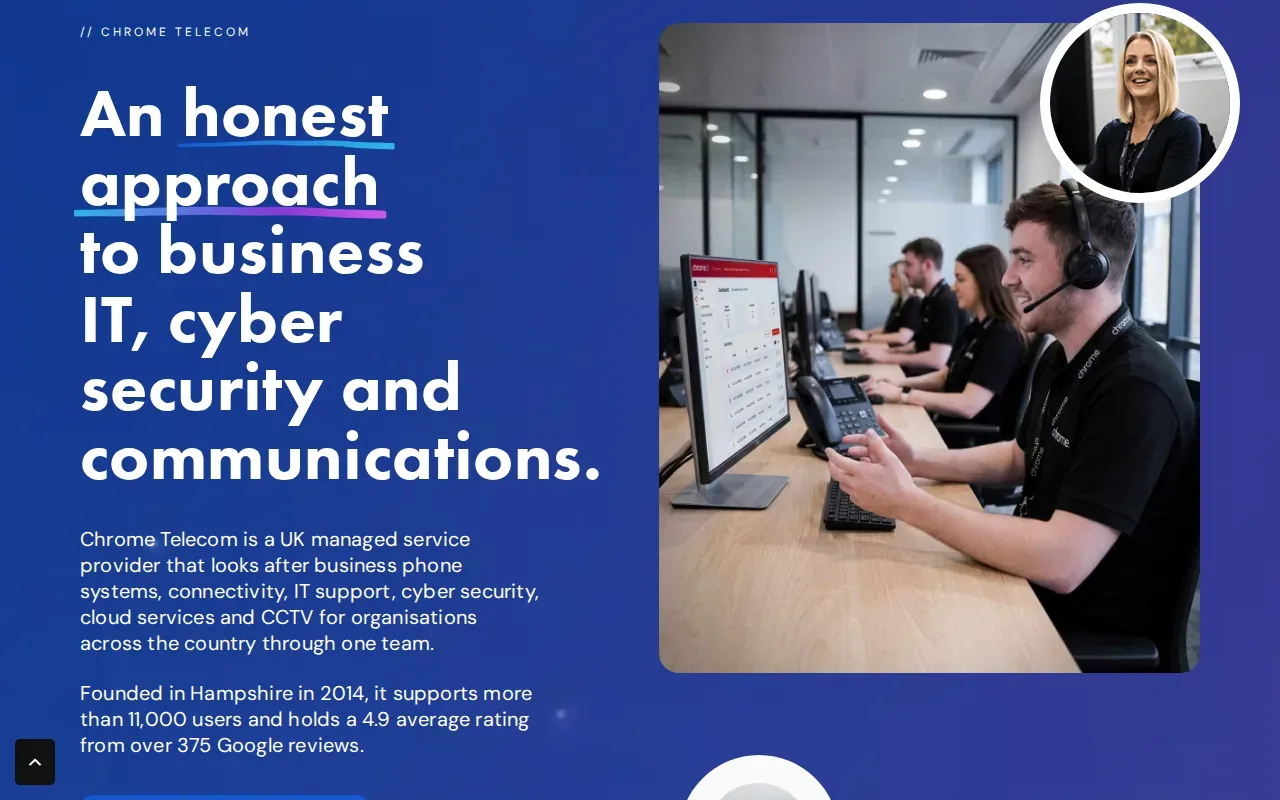
For Microsoft 365 management, the key point is how its IT support and cloud services would map to your actual tenant responsibilities. Ask whether your proposed scope covers user account changes, mailbox support, Teams administration and access to SharePoint or OneDrive files.
Also ask who owns the links between Microsoft 365 and your other services. A staff member might rely on Teams for meetings while also using a business phone system and office connectivity. When something fails, a clear route for deciding which supplier investigates can reduce the time spent passing the issue between teams.
Security needs the same clarity. Ask which settings and tasks fall within the agreement, how potential issues are raised and what backup arrangements apply to Microsoft 365 data. Basic steps such as using strong passwords and protecting devices can help frame a discussion about responsibilities.
Before signing, compare the support hours and escalation route with the times your staff need to work. A broad service catalogue is useful only when the agreement says who does what and how issues move from first report to action.
Chrome Telecom could be relevant if your business is reviewing IT support alongside phones or connectivity. Ask for a Microsoft 365-specific scope so that tenant management is not left as an assumption.
Compare the five providers at a glance
Use this table to narrow the shortlist by the type of support stated for each provider. Then confirm the details that matter to your team in a written proposal.
| Provider | Stated focus | Support details | Check before agreeing |
|---|---|---|---|
| iTO.London | Managed IT, Microsoft 365 administration, consultancy and projects | Primarily remote helpdesk; London visits when required and agreed | Scope, service hours, response targets and project boundaries |
| Foxcomm | Microsoft 365 migration, security and ongoing management | 24/7 remote helpdesk; monthly rolling contract with 30 days’ notice | Migration stages, handover and ongoing service terms |
| EC-MSP | Managed IT support | Unlimited remote helpdesk support; response within 24 hours on business days | Urgent issue handling and on-site visit terms |
| The Final Step | Microsoft 365 consulting, migration, training and support | 24/7 helpdesk; standalone projects available | Project deliverables and post-project support |
| Chrome Telecom | IT, cyber security, phones, connectivity and CCTV | IT support within a wider managed service offering | Microsoft 365 tasks and support arrangements in the agreement |
Questions to use when comparing proposals
- Which Microsoft 365 tasks are included in the monthly service?
- What counts as a response, and what are the service hours?
- How are new starters, leavers and changes to access handled?
- Who plans migrations, staff training and any later project work?
- What backup and recovery tasks are included in the agreed scope?
Basic identity controls can help protect organisations. Review the proposed identity controls with your provider, then ask how your own access requirements affect the setup.
Questions to ask before choosing a Microsoft 365 provider
What does Microsoft 365 management include?
It can include account and licence administration, support for Exchange and Teams, file access in SharePoint or OneDrive, and security settings. The exact work varies by provider and contract. Ask for a written scope that names routine tasks, project work and anything your own staff must manage.
How should I compare Microsoft 365 support response times?
Check the stated response target, service hours and how urgent requests are handled. A response target means the provider aims to reply within a set period, not that the issue will be fixed by then. Ask how the target applies on weekends, bank holidays and outside business hours.
Can I hire a provider just for a Microsoft 365 migration?
Yes. Some providers offer projects separately from ongoing support. Agree which data and services will move, how staff will be prepared and who handles issues after cutover. If you expect the provider to manage the tenant afterwards, include that future support scope in the discussion.
How do I protect business data in Microsoft 365?
Start by clarifying who can access files and accounts, how sign-in is protected and what recovery arrangements apply. Ask the provider to explain its proposed controls in plain English. Security work can reduce avoidable risks, but it cannot guarantee that an organisation will never face an incident.
Should a small business choose per-user or per-device pricing?
Compare the billing basis with how your staff work. Per-user pricing ties the charge to people, while device-based pricing ties it to equipment. Ask how shared devices, contractors and staff with different needs affect the quote, then compare the total scope rather than the unit price alone.
Find the right Microsoft 365 support for your business
Choose a provider whose written scope matches the way your team works, and check the response terms before you commit. If you want a virtual IT department with Microsoft 365 support and strategic guidance, discuss your IT needs with iTO.London. Share your team size, current systems, main difficulties and priorities so the conversation can start with the right context.