

Data loss rarely starts with a dramatic event. It usually begins with a failed drive, an accidental deletion or a ransomware message that appears on a Monday morning. For most London SMEs, the question is no longer whether to back up data but where the copies should be held and how quickly the business can recover from them. This article compares cloud backup with local backup, explains where each approach falls short, and sets out the arrangement that suits most London businesses.
Table of Contents
- Quick Takeaways
- Defining Cloud Backup and Local Backup
- Where Each Approach Falls Short
- Applying the 3-2-1 Rule in a London Office
- Comparing Backup Options for London SMEs
- What a Managed Backup Service Adds
- Frequently Asked Questions
- References
Quick Takeaways
| Key Insight | Explanation |
|---|---|
| Local backup alone creates a single point of failure | A fire, flood, theft or ransomware event affecting the office can destroy both live systems and on-site copies. |
| Off-site copies protect against premises loss | Cloud copies held in a separate data centre remain available after an incident at the office. |
| Apply the 3-2-1 rule | Keep three copies, on two types of media, with one copy off-site. |
| Test restores, not just backup jobs | A job reporting success does not prove that files or systems can be recovered within the required time. |
| Set recovery targets in writing | Define the maximum acceptable downtime and the maximum acceptable data loss for each system before selecting a method. |
| Synchronisation is not backup | Deleted or encrypted files in a synced folder are usually replicated to the cloud unless versioning or retention is enabled. |
| Confirm where backup data is held | Backups containing personal data are subject to UK GDPR, so storage locations and access controls must be known. |
Defining Cloud Backup and Local Backup
Local backup stores copies of data on devices under the business’s physical control, such as external drives, network attached storage (NAS) units or on-site servers. Cloud backup sends copies to remote servers operated by a provider. A Lenovo glossary entry describes cloud backup for small businesses as a service that stores data and files on remote servers.

A 2026 buyer guide from PCMag notes that cloud storage was once used mainly by small businesses that needed a fully managed service, and is now the default choice for businesses of all sizes. Remote working has spread company data across homes, laptops and cloud applications, which has changed where backup copies are needed.
Pro tip: Before choosing a method, list every system that holds business data, including email, shared drives, accounting software and line of business applications. Cloud productivity platforms such as Microsoft 365 include retention features, but these are not the same as a full backup, so the coverage of each service should be confirmed in writing.
Where Each Approach Falls Short
Each approach has a characteristic weakness, and most backup failures in small offices occur where that weakness was not planned for. The table below is not a ranking. It identifies the points that need an explicit design decision.
Local backup risks in a shared office
Local backup restores quickly and keeps data under direct control. However, the live systems and the backup copies usually sit in the same building. A fire, flood, theft or power surge can remove both at once. Ransomware presents a further risk, because an encrypted device connected to a network share can reach backup copies stored on that share.
Cloud backup limits to plan for
Cloud restores depend on internet bandwidth, so recovering large volumes of data can take considerably longer than restoring from a local drive. Costs usually rise with the volume of stored data, and access depends on the security of administrator and user accounts. These limits do not argue against cloud backup, but they do determine how it should be combined with other copies.
Applying the 3-2-1 Rule in a London Office
The 3-2-1 rule asks for three copies of data, held on two different types of media, with one copy kept off-site. The PCMag guide devotes a section to this rule. For a London business with a head office and a hybrid workforce, a practical version is a primary copy on the live system, a second copy on a local NAS or backup appliance, and a third copy in a cloud environment held in a separate location.
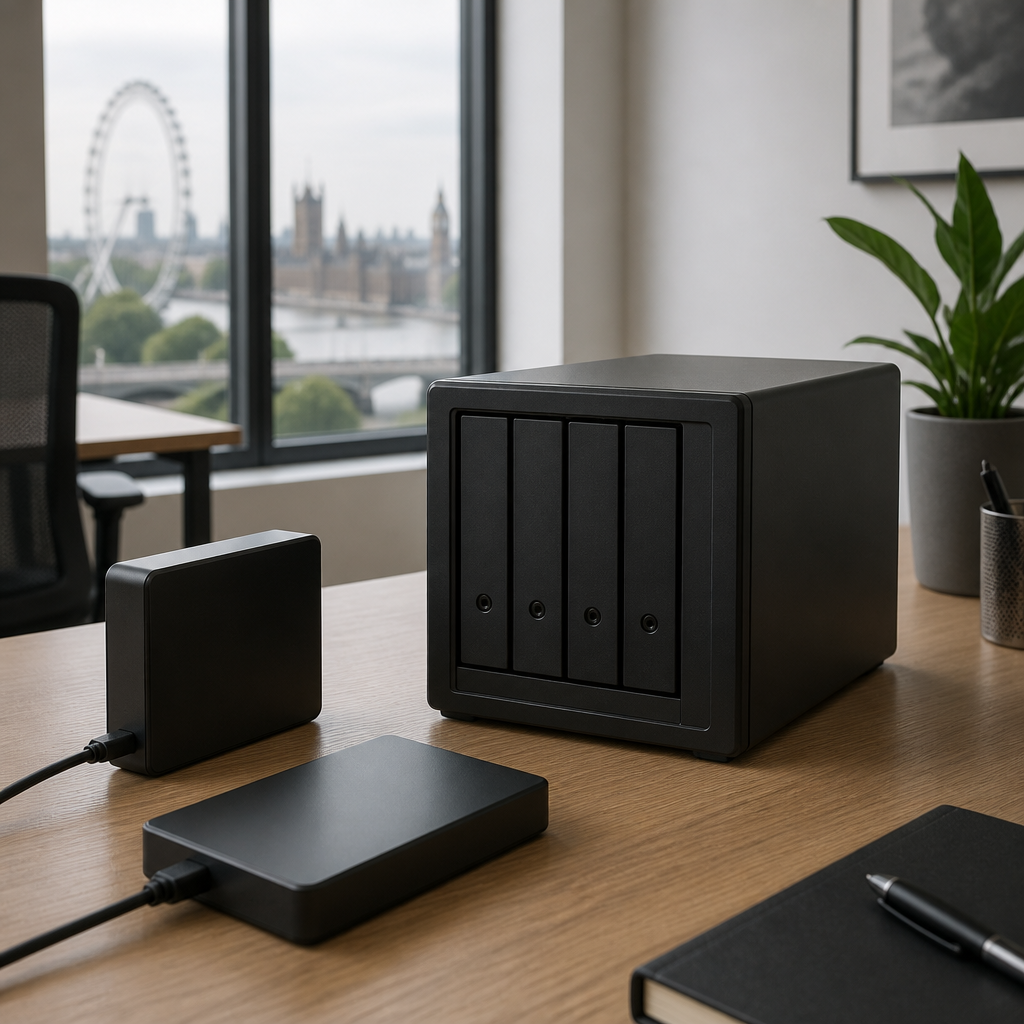
In practice, the local copy allows a failed server to be restored within hours, while the cloud copy protects against premises loss and against ransomware that spreads across the local network. The cloud copy should use versioning or immutability settings that prevent alteration for a defined period, so that an attacker with access to the network cannot remove it.
Two measures should shape the design. The recovery time objective is the maximum acceptable downtime, and the recovery point objective is the maximum acceptable data loss measured in time. A business that can tolerate a day of lost work has different requirements from one that cannot lose a day of order records.
Pro tip: Record the recovery time and recovery point objectives for each system on a single page, and review the page with finance and operations leads each year.
Comparing Backup Options for London SMEs
The three arrangements most London SMEs consider are local backup only, cloud backup only and a managed hybrid model. The comparison below sets out their principal strengths and limitations.
| Approach | Strengths | Limitations |
|---|---|---|
| Local backup only (NAS or external drives) | Fast restores, direct control of data, lower ongoing subscription costs | Shares a site with production systems, exposed to fire, theft and ransomware that reaches the network |
| Cloud backup only | Off-site copies, access from any location, no on-site backup hardware to maintain | Restores depend on bandwidth, costs scale with stored data, provider and account security must be managed |
| Managed hybrid (local and cloud) | Fast local restores with off-site protection, aligned with the 3-2-1 rule | More components to configure and monitor, requires named ownership and regular restore tests |
For most London SMEs, the managed hybrid model is the appropriate baseline. Storage charges for many cloud backup platforms are based on the volume of data retained, as the official AWS Backup pricing page explains for its own service, so growth in data volume should be forecast in the same way as other IT costs.
What a Managed Backup Service Adds
Most backup failures in small offices are operational rather than technical. Jobs fail, alerts are not read and retention settings are never reviewed. A managed backup service assigns named responsibility for monitoring, exception handling and restore testing, which an in-house team of one or two people often cannot sustain alongside daily support work. iTO.London provides this function as part of an outsourced IT department, with reporting against agreed service levels. Further details are available at ito.london.
Monitoring and restore testing
Monitoring should flag failed or incomplete jobs on the same working day. Restore tests should be scheduled, covering a sample of files and at least one full system recovery each year, with the results recorded in a written report.
A backup that has never been restored is an assumption rather than a recovery plan.
Data location and UK GDPR obligations
Under UK GDPR, the Information Commissioner’s Office can impose fines of up to £17.5 million or 4% of annual worldwide turnover, whichever is higher. Backups that contain personal data fall within the same obligations as live data. The business should know where its cloud copies are held, who can access them and how long they are retained.

Pro tip: Ask any provider to show its most recent restore test report, including the time taken and the files recovered. A clear report is a more reliable indicator of capability than a list of features.
Frequently Asked Questions
Is cloud backup enough on its own for a London SME?
For most London SMEs, cloud backup alone is not sufficient as the only copy, because large restores depend on bandwidth. A managed hybrid arrangement provides faster recovery for critical systems while keeping an off-site copy.
How often should business backups run?
Daily backups are common for business systems. Systems where a day of lost data is unacceptable may need more frequent snapshots. The correct frequency follows from the recovery point objective set for each system.
How long should backup copies be retained?
Retention depends on legal, contractual and operational requirements. Many businesses keep daily copies for a short period and monthly copies for longer. The period should be confirmed with the company’s accountant or legal adviser.
Does Microsoft 365 need a separate backup?
Microsoft 365 includes retention and recovery features, but these do not replace a dedicated backup in every case. The coverage for email, OneDrive, SharePoint and Teams should be confirmed, and any gaps should be documented with an agreed plan.
How can a business confirm that its backups work?
Restore a sample of files and a full system on a schedule, record the time taken, and compare the results with the recovery targets. A backup that has not been tested against those targets has not been proven.
We would welcome your feedback on how your organisation currently protects its data, and which backup challenges have proved most difficult to resolve.