

Many London SMEs set their technology budgets by rolling forward last year’s figures. Midway through the year, they often find that licence renewals, device replacements and one unplanned outage have consumed the entire contingency. Effective IT budget planning for a London SME depends on preparation rather than on the size of the final figure. This guide sets out a practical sequence: audit what the business already owns, separate one-off and recurring costs, compare delivery models, and fund security and continuity in advance. It is written for owners and directors who need a technology budget for small business that can be defended in a board or partner discussion.
Table of Contents
- Quick Takeaways
- Auditing the Current Technology Estate
- Separating Capital and Operating Costs
- Comparing Budget Models
- Security and Contingency Reserves
- Reviewing the Budget Through the Year
- Frequently Asked Questions
- References
Quick Takeaways
| Key Insight | Explanation |
|---|---|
| Build an asset register first | List every device, licence and cloud subscription with its owner, cost, seat count and renewal date before setting any figure. |
| Separate one-off from recurring spend | Hardware replacement is planned as capital expenditure. Licences, support and cloud consumption are forecast as monthly operating costs. |
| Check renewal dates before the year starts | Annual Microsoft 365 and cloud renewals frequently fall outside the original plan, so each renewal needs a line in the budget. |
| Compare support on service levels | Compare providers on documented response times, covered hours and included monitoring, not only the monthly fee. |
| Ring-fence a security reserve | Fund incident response and recovery from a defined reserve rather than from an informal year-end surplus. |
| Review spend every quarter | Compare actual spend with forecast each quarter so that variances are corrected before the financial year closes. |
Auditing the Current Technology Estate
A reliable IT budget starts with a complete record of what the business already uses. Most London SMEs run a mix of cloud tools, older hardware and subscriptions approved by individual team members. Costs that are already committed are the ones most often missing from the forecast.

Building the Asset Register
Record each device, operating system, software licence and cloud subscription with its owner, annual cost, renewal date and seat count. Include laptops held by staff at home and leased printers, as these items are often overlooked. The register converts the budget from an estimate into a schedule.
Finding Unmanaged Subscriptions
Staff frequently sign up for file-sharing, design or messaging tools using company cards or personal accounts. Review card statements and the user list in the Microsoft 365 admin centre, where the business uses it, for licences still assigned to leavers. Removing unused seats is often the quickest saving available before the new year begins.
Pro tip: Ask each department head to confirm the software their team relies on. Subscriptions that appear on no list are the ones most likely to renew without review.
Separating Capital and Operating Costs
Capital expenditure covers assets with a useful life beyond one financial year, such as laptops, servers and network equipment. Operating expenditure covers recurring costs, including licences, cloud consumption and support. Keeping these categories distinct shows the director which costs can be deferred in a difficult quarter.
Forecasting Recurring Service Costs
Model recurring costs as a monthly figure, then add a separate line for price increases at renewal. Confirm with your accountant how VAT applies to each line, as recoverable and irrecoverable amounts differ. A fixed monthly support fee is easier to forecast than hourly billing, provided the included services are clearly defined.
Planning Hardware Replacement
Spread device replacement across the expected lifecycle rather than funding it in a single year. One practical method sets aside an equal monthly amount in a dedicated line, so that a failing server does not disrupt cash flow.
Pro tip: Record the purchase date and expected replacement year for every device in the asset register. This turns hardware replacement into a planned schedule rather than an emergency purchase.
Comparing Budget Models
Most London SMEs choose between three delivery models: an in-house IT employee, support billed per incident, and an outsourced IT department under a managed service agreement. Each model produces a different budget profile. The choice should follow the business’s tolerance for downtime rather than the lowest monthly figure.

| Delivery Model | Budget Profile | Main Risk |
|---|---|---|
| In-house IT employee | Fixed salary, plus training, holiday cover and equipment | A single point of failure during absence or departure |
| Support billed per incident | Variable invoices that depend on the number and length of issues | Unpredictable spend and slower response during busy periods |
| Managed IT service | Fixed monthly fee with defined service levels and included monitoring | Dependence on contract scope, so responsibilities must be documented |
A managed agreement suits businesses that need a predictable monthly cost with documented response times. iTO.London provides this as an outsourced IT department, covering helpdesk support, proactive monitoring, cloud management and quarterly technology reviews. Businesses with an internal team can also use the same model to supplement existing staff.
Writing Service Levels Into the Budget
Specify response times by priority, the hours covered and the systems included. Ambiguous scope is a frequent source of unplanned charges under any model. A clear schedule of services allows the director to test each invoice against the agreement.
Security and Contingency Reserves
Security and continuity costs are often treated as optional until an incident occurs. A single ransomware event or extended outage can include lost trading, staff time, recovery work and legal obligations, which may exceed the cost of preventative controls.
A contingency reserve funded only from year-end surplus is rarely available when it is needed.
Protecting Data and Access
Multi-factor authentication, endpoint protection, access reviews and backups are the controls most often budgeted in managed agreements. Backups should be restored and tested on a schedule, as an untested backup provides limited assurance. Each control should appear as a named line so that its cost can be reviewed.
Building a Ring-Fenced Reserve
Set a reserve line within the IT budget and review it each quarter. Release the funds only for defined purposes, such as incident response, urgent replacement or a compliance requirement. A reserve held within the budget remains visible to finance and to the board.
Reviewing the Budget Through the Year
A budget that is not reviewed during the year becomes a record of intentions rather than a control. Compare actual spend with the forecast each quarter, identify variances above an agreed threshold, and record the reason for each change.
Quarterly Technology Reviews
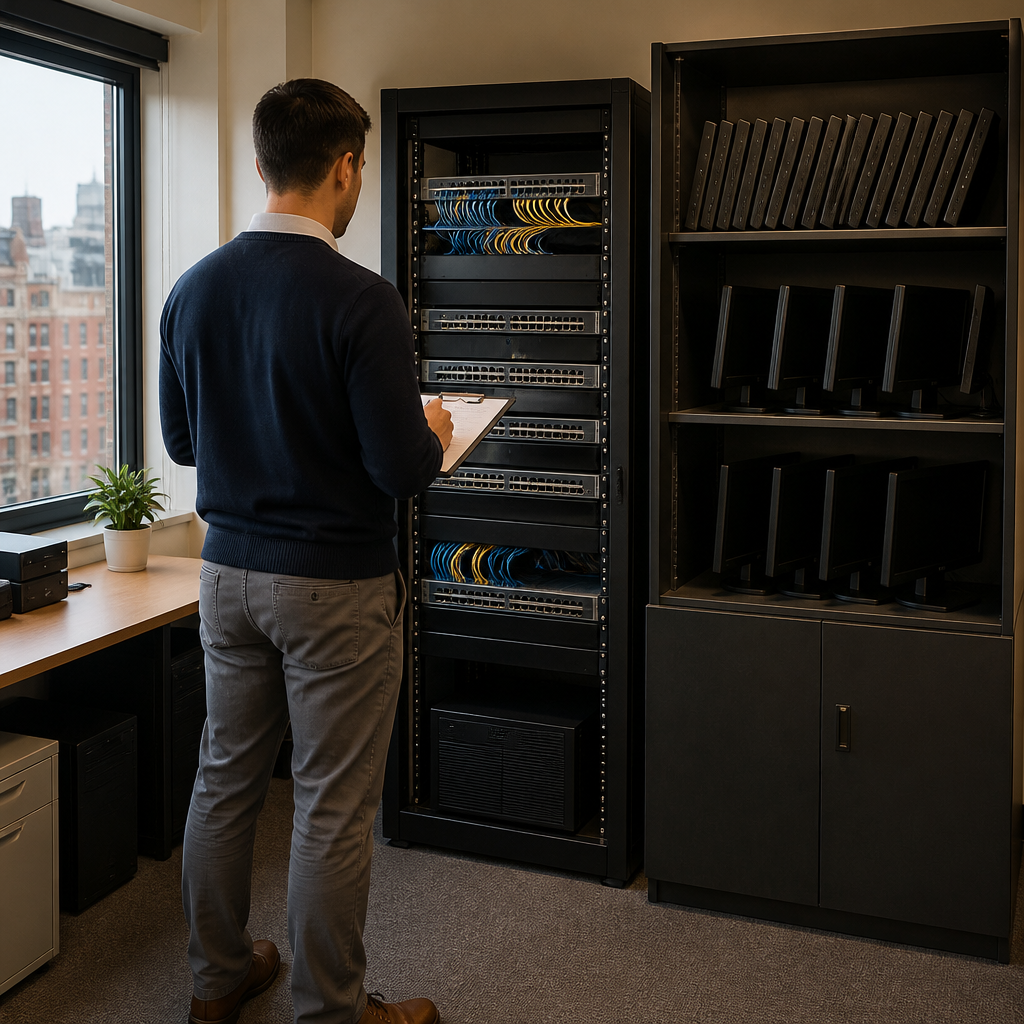
A quarterly review should cover renewals due within the next ninety days, incidents and their cost, unused licences and planned projects. The output is a short list of decisions, which keeps the director informed without requiring detailed technical reporting.
Preparing the Next Year’s Forecast
Use twelve months of actual data to set the next forecast. Where a figure moved more than expected, document the cause before adjusting the baseline. This ensures the next budget reflects the business rather than last year’s assumptions.
Frequently Asked Questions
How much should a London SME budget for IT?
No single benchmark applies across all sectors. Start with the asset register and recurring contracts, then add a reserve for incidents and planned replacement. Published benchmarks are useful only when adjusted for headcount, sector and regulatory obligations.
When should the IT budget be finalised?
Finalise the budget before the financial year starts so that renewals and contracts are priced into the plan. Businesses with a March year end typically need to complete this work in the preceding autumn and winter.
Should IT costs be treated as capital or operating expenditure?
Hardware with a useful life beyond one year is generally treated as capital, while subscriptions and support are operating costs. Confirm the treatment with your accountant, as it affects how the costs appear in the accounts.
Is an outsourced IT department more expensive than an in-house hire?
Not necessarily. Compare the full cost of an in-house role, including salary, employer costs, training, holiday cover and equipment, against a managed agreement with defined service levels. The comparison should also account for the cost of downtime.
What should a director check first when the financial year begins?
Confirm every renewal date in the next six months, verify seat counts against current staff, and confirm the reserve balance and the approval process for drawing on it.
We welcome feedback from directors who have set an IT budget for their business, so please share which costs proved hardest to forecast in your experience.
We would love your feedback and any insights you would share with others. What perspective would you add?
References
- Step-by-step guidance on creating a small business budget, with a downloadable template
- Guide to IT budgeting for SMEs, covering capital and operating costs and total cost of ownership
- Guide to building a business technology budget, starting with an inventory of existing systems