

Remote working is now a settled part of how many London SMEs operate, and every remote connection is a point where an outside party can attempt to enter. Remote access security for London SMEs is therefore less about a single product and more about deciding who may connect, from which devices, and to which systems. Businesses that answer those three questions in writing, and enforce the answers consistently, reduce the likelihood that one stolen password becomes a network breach. This article sets out a practical approach for owners and directors who do not employ a dedicated security team.
Table of Contents
- Quick Takeaways
- What Remote Access Security Covers for London SMEs
- Controlling Who Gets In: Identity and Authentication
- Limiting What Each User Can Reach
- VPN SME London: Choosing a Remote Connection Method
- Comparing Remote Access Approaches
- Securing Devices Before They Connect
- Monitoring Sign-Ins and Reviewing Access
- Frequently Asked Questions
- References
Quick Takeaways
| Key Insight | Explanation |
|---|---|
| Require multi-factor authentication on every remote route | Email, file storage, finance systems, admin portals and VPN sign-in should all require a second factor, not only the most sensitive systems. |
| Disable leavers’ accounts on their last working day | Dormant accounts remain a common entry point. A written leaver checklist should cover accounts, devices, shared passwords and mobile apps. |
| Do not expose remote desktop directly to the internet | Remote desktop should sit behind a VPN or an identity-controlled gateway, because open ports are scanned continuously by automated tools. |
| Document access by role | An accounts team and a sales team rarely need the same reach. A short role matrix defines what each group may open and what it may not. |
| Check device health before granting access | Require current security updates, disk encryption and active endpoint protection on any device that connects to business systems. |
| Review sign-in logs on a fixed schedule | Logs protect a business only when a named person reviews them. Assign an owner and a monthly review date. |
What Remote Access Security Covers for London SMEs
Remote access security encompasses the technologies and processes that protect an organisation’s systems, equipment and data against unauthorised access from outside the office. For a London SME, that boundary is often blurred. Staff may connect from home, from client sites, from trains and from hotel rooms, often using the same laptop that holds payroll files and customer records.
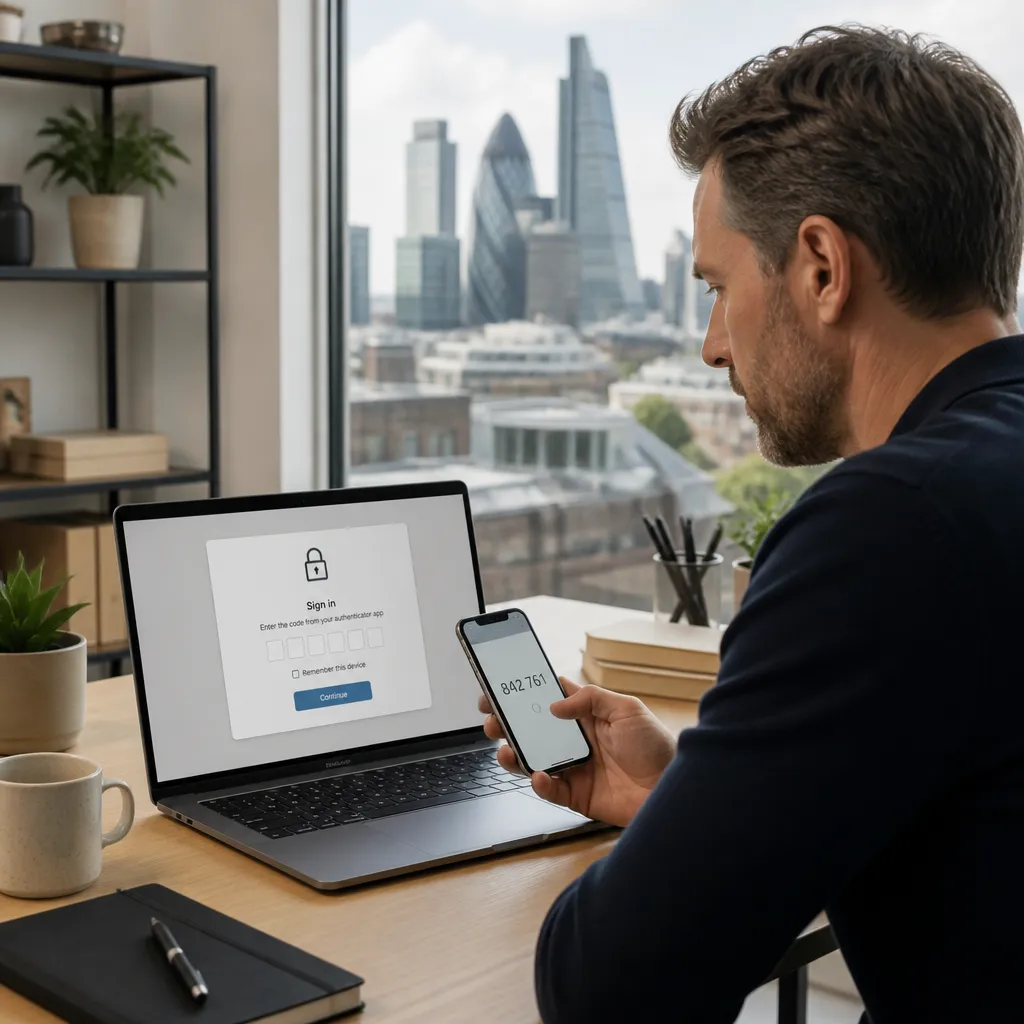
In practice, most remote incidents at small firms follow a predictable pattern. A password is reused across personal and business accounts, a sign-in succeeds from an unfamiliar location, and nobody notices until files have been copied or an invoice has been redirected. Each step in that chain can be interrupted with controls that cost little to configure but require ownership.
Access control decides who may connect. Device control decides whether a connecting device is trustworthy. Monitoring shows what happened after the connection was made. A sound approach addresses all three, because a strong login does little to protect a compromised laptop.
Pro tip: Write a one-page remote access policy that names the systems in scope, the devices permitted, and the person responsible for approving new access. A policy that exists on paper is far easier to enforce than one that exists only in the minds of the directors.
Controlling Who Gets In: Identity and Authentication
Identity is the first control point for any remote connection. Passwords alone are not sufficient, because they can be guessed, phished or reused from earlier breaches. The objective is to confirm that the person signing in is who they claim to be before any business data becomes visible.
Enforcing multi-factor authentication on every remote route
Multi-factor authentication (MFA) requires a second proof of identity, such as a code from an authenticator app or a physical security key, in addition to a password. The second factor is effective because an attacker who obtains a password still cannot complete the sign-in without the user’s device. Authenticator apps and hardware keys are generally stronger than codes sent by text message, which can be intercepted or redirected.
A common mistake is to enforce MFA only on the VPN or on the finance system. Attackers look for the weakest route into the same account, so email, cloud storage and administrator portals must carry the same requirement. The rule should apply to every person, including directors, because senior accounts often hold the broadest permissions.
Removing shared and dormant accounts
Shared logins make it impossible to establish who accessed a system and when. When a single account is used by several staff members, a compromise cannot be traced to an individual, and removing one person’s access requires changing the password for everyone. Each member of staff should hold a named account, and any genuinely shared service account should be documented with a named owner.
Dormant accounts create a similar problem. Former employees, temporary contractors and old project accounts often remain active long after their work has ended. A quarterly comparison between the staff list and the active account list identifies these gaps quickly.
Access control is only as reliable as the list of people it applies to. Keeping that list current matters more than the sophistication of the tool that checks it.
Limiting What Each User Can Reach
Verifying identity answers whether a person may connect. The next question is what that person may then reach. Least-privilege access limits each account to the systems, folders and actions that the role requires, and nothing more. Where this principle is absent, a single compromised account can expose the entire business.
We would love your feedback and any insights you would share with others. What perspective would you add?
Segmenting office and cloud resources
Segmentation separates resources into groups, so that access to one group does not automatically grant access to another. For a typical London SME, this may mean separating finance records, customer data, development files and administrative tools. Cloud platforms such as Microsoft 365 provide controls for restricting access by group, and these should be configured rather than left at their broad default settings.
Administrative access deserves particular attention. Accounts able to change settings, create users or reset passwords should be separate from everyday accounts, and they should be used only for administrative tasks. This separation prevents an email phishing incident from becoming a control-plane compromise.
Reviewing permissions each quarter
Permissions drift over time. Staff move between teams, projects end, and temporary access is rarely removed when it is no longer needed. A documented review each quarter, in which a manager confirms the access their team holds, keeps the list accurate without requiring a major exercise.
Many owners find this review easier to sustain when it is managed as part of an outsourced IT department arrangement, with the provider preparing the access lists and the business confirming the changes. Our managed IT support service includes this quarterly review as a standing task, so it does not depend on one person remembering to complete it.
VPN SME London: Choosing a Remote Connection Method
A virtual private network (VPN) creates an encrypted tunnel between a user’s device and the business network. Connections made over public Wi-Fi in cafés, stations or airports are protected from interception, which is why a VPN remains a standard component of secure remote working for many London SMEs. The choice of connection method, however, matters as much as the decision to use one.
Where a VPN fits
A VPN suits staff who need to reach internal file servers, line-of-business applications or legacy systems that are not available through a web browser. Its limitation is scope. Once connected, a user may reach far more of the network than the task requires, so a VPN should always be combined with the role-based permissions described earlier. Without that combination, a VPN widens the reach of any compromised account.
Cloud-only businesses may need a VPN less often than they expect. Where all critical applications already require strong identity checks, direct access through managed identity controls can be simpler to maintain. A VPN is then reserved for the small number of systems that genuinely require it.
Exposed remote desktop and older services
Remote desktop protocol (RDP) is convenient, and it is also one of the most frequently targeted services on the internet. Placing RDP directly on a public address, without a gateway or MFA, gives attackers a simple target to attempt repeated password guesses against. Access should be routed through a VPN or an identity-controlled gateway, and the port should not be reachable from the open internet.
Older remote services and default-configured network devices present the same risk. Their administration pages should be restricted to internal addresses, and their firmware should be kept current. A short audit of every externally reachable address, carried out at least once a year, usually reveals services that the business no longer uses.
Pro tip: Ask your IT provider for a list of every service that can be reached from the public internet. Any item on that list that cannot be justified in writing should be closed or placed behind authentication.
Comparing Remote Access Approaches
Three approaches are common among SMEs in London. Each has a legitimate use, and each becomes a liability when it is configured without MFA, without role limits, or without monitoring. The table below summarises where each one fits and the principal risk to manage.
| Approach | Where it suits | Main risk if poorly managed |
|---|---|---|
| VPN with MFA and role-based permissions | Staff who need internal file servers or legacy applications | A compromised account gains broad network reach once connected |
| Identity-controlled access to individual applications | Cloud-based systems such as email, documents and line-of-business software | Weak policies on individual applications, such as missing MFA on one portal |
| Direct remote desktop exposed to the internet | Rarely justified, and generally not recommended for SMEs | Repeated password attacks against an open service with no second factor |
For most London SMEs, the sensible starting point is a combination of the first two approaches, with the third removed. Each application should have a documented owner and a documented access requirement. The point of the comparison is not to select a single tool, but to ensure that every route into the business meets the same standard.
Securing Devices Before They Connect
A user may be correctly identified and still connect from a device that is unsafe. An unpatched laptop, an unencrypted disk or a disabled antivirus product can carry malware into the business network. Device checks therefore form the third layer of remote access security, and they are often the layer that small firms neglect most.
Patching and endpoint protection
Endpoint security focuses on laptops, desktops, mobile devices and other equipment that connects to business systems. Endpoint detection and response tools monitor these devices continuously, detect signs of compromise and alert the people who must respond. Their value depends on updates being applied promptly, since known vulnerabilities are the most common reason for an otherwise secure device to become a risk.
Operating system and application updates should be applied automatically where the platform allows it. Where automatic updates are not available, a fixed monthly patch window with a named owner is a reasonable minimum. Devices that have not received updates within that window should be restricted from connecting until they are brought up to date.
Managing personal and unmanaged devices
Staff often use personal phones or home computers to read email or access shared files. Business data on these devices is difficult to control, and it may remain after an employee leaves. A clear policy should state which personal devices are permitted, which applications may be installed, and how business data is removed on departure.
Mobile device management can enforce these conditions on phones and tablets, including screen locks, encryption and the ability to remove business data remotely. Where the business cannot enforce these settings on a personal device, access to sensitive systems from that device should be restricted to web-based applications that do not store files locally.
Monitoring Sign-Ins and Reviewing Access
Controls reduce the likelihood of an incident, but monitoring shows whether a control has failed. Sign-in records reveal repeated failures, logins from unexpected countries and access outside working hours. Without review, these records simply accumulate, and an attacker who remains quiet for weeks may go unnoticed.
Logs that someone reads
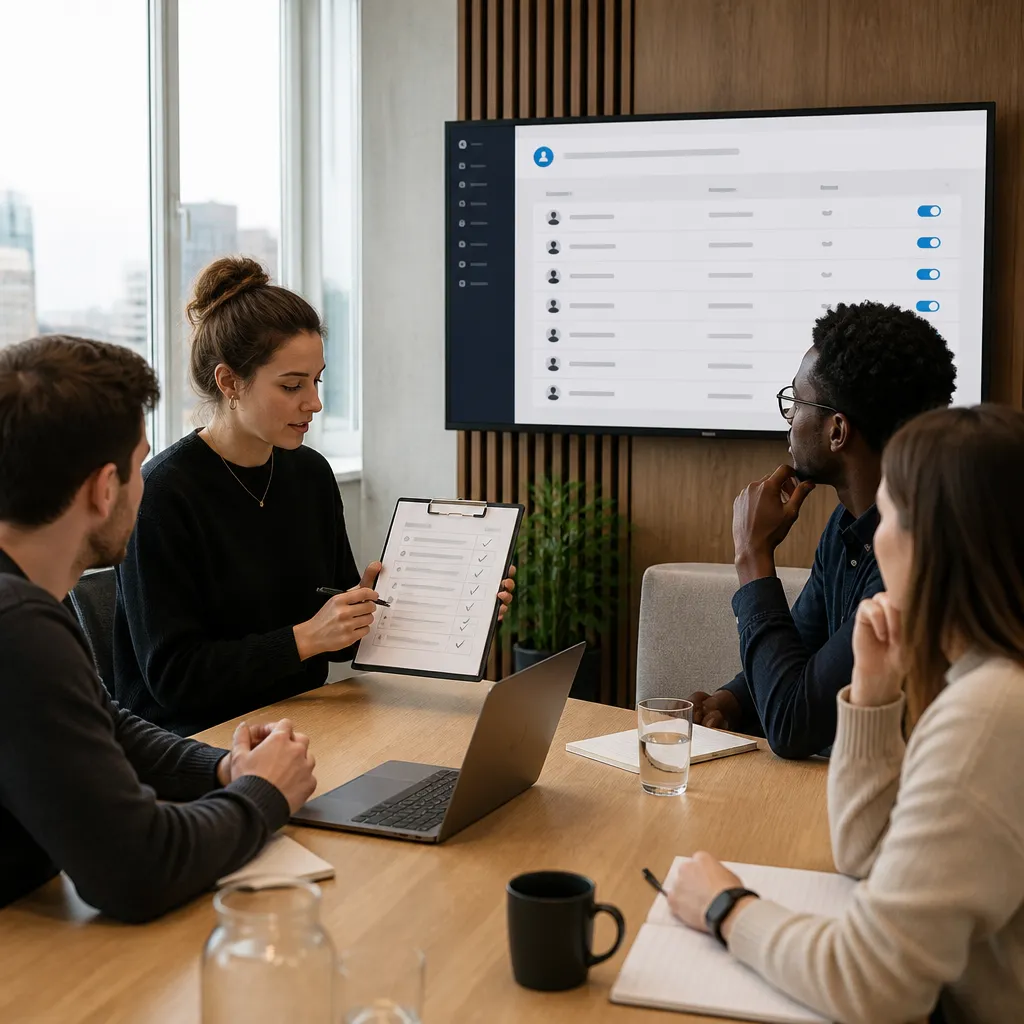
Sign-in logs are useful only when a named person examines them. A practical arrangement is a monthly check of failed sign-ins, new locations, administrator activity and changes to security settings. Alerts for high-risk events, such as several failed attempts against an administrator account, should reach a person who can act on them the same day.
Retention matters as well. Records should be kept long enough to investigate an incident that is discovered after the event, and access to those records should itself be restricted to the people responsible for reviewing them.
Leaver and role change reviews
Two events account for most permission errors in small firms: someone leaves, and someone changes role. Both should trigger a defined process. A leaver checklist should disable accounts, revoke active sessions, recover devices, and reset any shared credentials the person knew. A role change should remove the previous permissions before the new ones are granted, rather than adding to them.
Pro tip: Tie the leaver checklist to the payroll or HR process, so that account removal happens as part of the same step. Relying on a manager to remember access removal is one of the most common causes of lingering accounts.
Frequently Asked Questions
Do we still need a VPN if most of our systems are in the cloud?
Not necessarily. Cloud applications that require strong identity checks can often be reached without a VPN, which reduces complexity. A VPN is still worth keeping for the small number of internal systems that cannot be reached any other way, and it should then be restricted by role.
How often should remote access permissions be reviewed?
A quarterly review is a reasonable standard for most SMEs. Administrator accounts and access to financial or customer data merit a more frequent check, typically monthly, because a misuse of those accounts has the greatest impact.
Is text message verification sufficient for multi-factor authentication?
It is better than a password alone, but it is not the strongest option. Authenticator apps and hardware security keys are harder to intercept or redirect, and they are the preferred choice where the business can support them.
What should happen on the day an employee leaves?
Accounts should be disabled, active sessions revoked and company devices recovered on the final working day. Any shared passwords the person knew should be changed, and business data should be removed from personal devices if they were used.
Can a small business manage remote access without a full-time IT team?
Yes, provided that responsibilities are clearly assigned. An outsourced IT department can handle monitoring, patching, access reviews and the leaver process under a defined service level, while the business retains ownership of decisions about who should have access to what.
We welcome feedback from business leaders on which remote access controls have proved most difficult to introduce in their own organisations.