

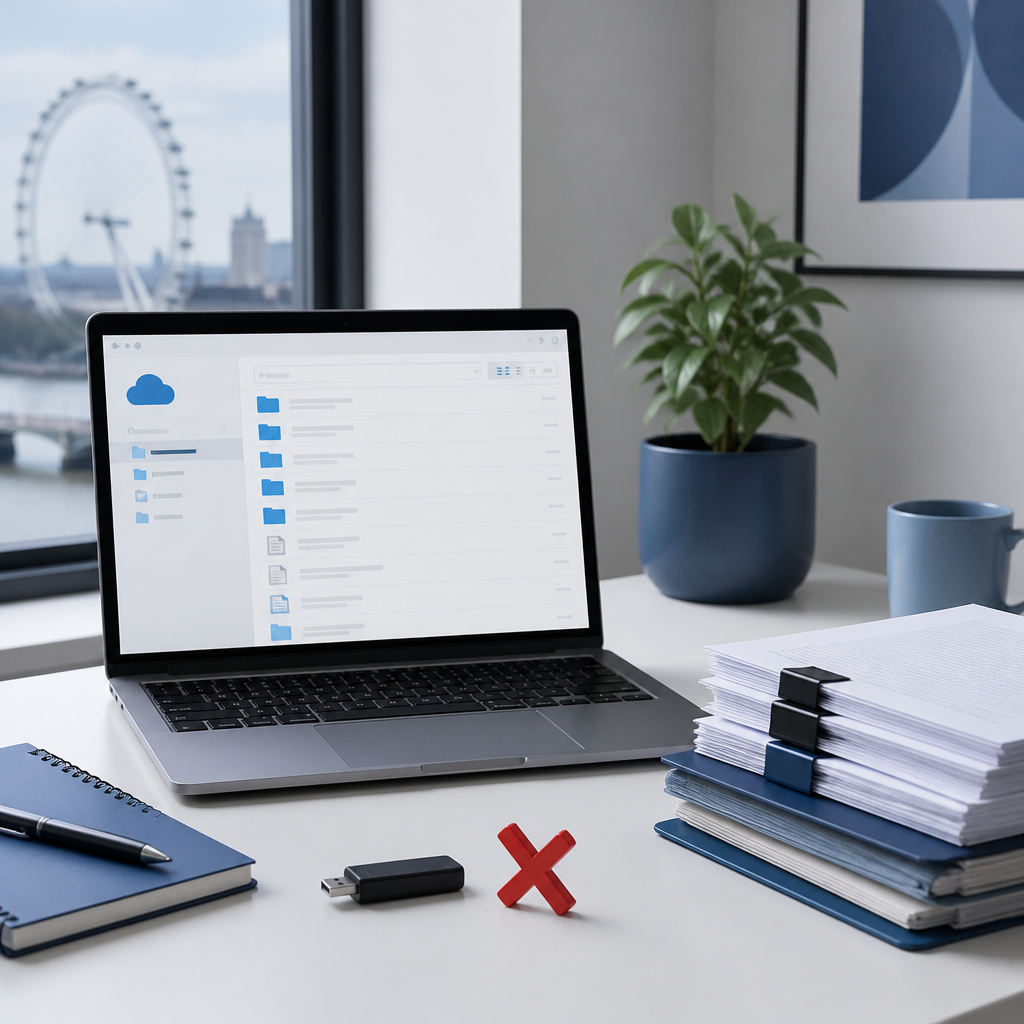
Many London SMEs still share client contracts, payroll files and project drafts through personal email accounts, consumer file links and unmanaged USB drives. Each habit solves an immediate problem, but none provides central access control, an audit trail or a reliable way to withdraw access after a file has been sent. Secure file sharing for London SMEs is therefore less about buying a new product and more about replacing these habits with a managed process, clear permissions and monitoring that someone is accountable for. This article explains where the risk sits, which replacements work in practice and how an outsourced IT department can run them day to day.
Table of Contents
- Quick Takeaways
- Why File Sharing Habits Create Risk
- Common Risky Habits to Replace
- Setting Up OneDrive for Business
- Comparing File Sharing Approaches
- Data Protection Duties for Shared Files
- Building a Managed File Sharing Process
- Frequently Asked Questions
- References
Quick Takeaways
| Key Insight | Explanation |
|---|---|
| Replace personal email attachments | Attachments create copies that cannot be recalled. Send a link to a business library with named recipients instead. |
| Set restrictive defaults | Where the tenant allows it, default sharing links should point to specific people, not to anyone holding the link. |
| Name an owner for every shared library | Each library needs one accountable internal owner who approves external access and reviews it each quarter. |
| Remove access on the last working day | Leavers and contractors should lose access to shared libraries on their final day, not at the next audit. |
| Require managed devices and multi-factor sign-in | Files should open only on managed devices and only after strong sign-in checks, including when staff work remotely. |
| Test file recovery | Confirm that deleted or overwritten shared files can be restored from version history within an agreed window. |
| Write a one-page sharing rule set | Staff need clear rules on what may be shared externally, through which channel, and who approves it. |
Why File Sharing Habits Create Risk
Most file sharing exposure in small firms arises from convenience rather than from deliberate attack. A director emails a payroll spreadsheet to a personal address so it can be reviewed at home. A project manager shares a tender document through a public link that remains active for months after the bid closes. In each case, the business holds no record of who received the file and has no simple way to withdraw access.

London SMEs face this exposure in a particular form. Hybrid working, frequent use of contractors and client requests for files in unfamiliar formats all multiply the number of channels in use. Under the UK GDPR, the organisation remains responsible for personal data it shares, including data sent through a channel that staff chose without approval.
Unmanaged sharing rarely fails in one dramatic moment. It is a series of small, unrecorded decisions that the business cannot see, review or reverse.
Common Risky Habits to Replace
Replacing risky habits works best when each habit is named, understood and matched with a managed alternative. Staff are more likely to change a routine when the replacement is at least as quick as the original method. Restrictions alone tend to push work back into unapproved channels.
Personal email and consumer file links
Email attachments create copies that cannot be recalled once delivered, and they often remain in mailboxes long after a project closes. Consumer file links are harder to govern because they may be created outside any company account. The managed alternative is a link to a controlled business library, with access granted to named recipients and removed when the work ends.
Unmanaged USB drives and personal devices
Removable media is easily lost, and files copied to personal devices bypass device encryption and sign-in controls. Where physical media is still required, it should be encrypted and logged. For most SMEs, the better course is to restrict local copies of client data to managed devices and to keep shared work in one place.
Pro tip: Review how files left the business over the previous month. Email, shared links and removable media are the channels most often involved, so an audit of those three gives the clearest starting point.
Setting Up OneDrive for Business
OneDrive for Business, part of Microsoft 365, gives an SME a managed alternative to personal cloud accounts. Files are held under the company tenant, sign-in can be protected with multi-factor authentication, and sharing can be governed centrally. Default settings still matter, because a permissive default applies to every user who never changes it.
Configuration decisions should be made once, documented and reviewed. Without documentation, changes made by individual users tend to accumulate unnoticed.
Default link types and recipients
Where the tenant allows it, set sharing links to specific people as the default rather than to anyone with the link. External collaboration should be limited to named guests, and the ability to forward access should be restricted where the work does not require it. Review these settings each quarter, as client and staff arrangements change.
Expiry dates and guest access reviews
Guest accounts and expiring links should be treated as temporary by design. A named internal owner should confirm each external guest when a project starts and remove access when it ends. Without this step, guest access accumulates and becomes the least visible part of the environment.
Comparing File Sharing Approaches
The table below compares three approaches that London SMEs commonly use. The differences lie in visibility and in who can revoke access, not only in cost or convenience.
| Approach | Control and Visibility | Typical Risk for an SME |
|---|---|---|
| Email attachments and consumer file links | Low. No central record of recipients, and access cannot be withdrawn once delivered | Files persist in mailboxes and personal accounts after projects close |
| Business cloud storage with default settings | Partial. Storage is company-owned, but permissive links and guest access may go unreviewed | Access accumulates over time and is rarely checked |
| Managed cloud sharing with policy, monitoring and named owners | High. Named recipients, expiry controls, sign-in protection and activity logs | Requires ongoing administration, which is usually assigned to an IT provider |
The third approach requires continuous administration. For many SMEs, assigning this task to a managed provider is more reliable than relying on a part-time office manager.
Data Protection Duties for Shared Files
Security guidance for small businesses is consistent on several points. The US Federal Trade Commission notes that the most effective data security plans address physical security, electronic security, employee training and security practices. Industry guidance for small businesses also recommends encryption for data in transit and at rest, defined user permissions and audit trails.
Recording who received personal data
For personal data, the business should be able to answer three questions quickly: what was shared, with whom, and when access ended. Shared libraries with named owners and activity logs make these answers possible. Without them, responding to a data subject request or investigating an incident depends on memory.
Encryption in transit and at rest
Encryption protects files while they travel and while they are stored. Managed business platforms typically provide it as standard, but the business should confirm the settings rather than assume them. Copies created outside the company tenant undermine that protection, which is why the managed route should be the easiest route for staff.
Building a Managed File Sharing Process
A managed process replaces individual judgement with repeatable steps. The business defines which data may be shared externally, which channel must be used, who approves access and how access is removed. Each step is written down, kept short enough to fit on one page and reviewed as the business changes.
Monitoring, access reviews and recovery
Monitoring should flag unusual external sharing, bulk downloads and sign-ins from unfamiliar locations. Access reviews should run quarterly for shared libraries and immediately for leavers. Recovery testing confirms that deleted or overwritten files can be restored within the agreed window.
What an outsourced IT department covers
iTO.London operates as an outsourced IT department for London SMEs. In practice, this includes a rapid response helpdesk for access requests, proactive monitoring of sharing activity, cloud administration for Microsoft 365 and quarterly technology reviews that check whether file permissions still reflect how the business operates. Measurable service levels make clear who is responsible when a shared file is exposed or lost. More information is available at iTO.London.
Pro tip: Assign one named owner to each shared library and record that owner in IT documentation. Ownership gaps often explain why guest access is never removed.
Frequently Asked Questions
How can a London SME start replacing personal email file sharing?
Start by identifying the files that contain client or personal data, then move them to a business library with named recipients. Make the managed route quicker than the old one, so that staff adopt it without being forced.
Is OneDrive for Business enough for secure file sharing?
It provides a strong foundation when configured correctly, including sign-in protection, link defaults and guest controls. It still requires a named owner, regular access reviews and monitoring to remain secure.
Does UK GDPR apply to files shared internally?
Internal sharing of personal data is still processing under the UK GDPR, so the business must apply appropriate security and limit access to staff who need the data for their role.
What should a file sharing policy include?
A one-page policy should cover approved channels, what may be shared externally, who approves guest access, expiry rules and how leavers are removed.
When is an outsourced IT department worth considering?
It is worth considering when no one in the business has the time to run access reviews, monitor sharing activity and test recovery. An outsourced IT department spreads these tasks across a team with defined service levels.
We welcome feedback from business leaders who have moved file sharing away from personal accounts, particularly on which step proved hardest to introduce across their teams.
References
- Federal Trade Commission guide on protecting personal information for business
- Data security best practices for small businesses
- Why data protection matters for small businesses