

Many London SMEs still keep working passwords in a spreadsheet on a shared drive, a notebook beside the desk or a sticky note attached to a monitor. Each method solves an immediate need, but none records who opened a credential, none removes access when a person leaves, and none protects the data once a copy has been emailed or downloaded. Sound password management for London SMEs therefore depends on a business password manager, defined access rules and a named owner. This article explains why informal methods fail, what a managed approach provides and how to introduce it without disrupting daily work.
Table of Contents
- Quick Takeaways
- Why Spreadsheets and Sticky Notes Fail
- What a Business Password Manager Provides
- Comparing Password Management Approaches
- Rolling Out a Password Manager Across the Team
- Who Should Own Password Management
- Connecting Password Management to Wider Security Controls
- Frequently Asked Questions
- References
Quick Takeaways
| Key Insight | Explanation |
|---|---|
| Spreadsheets hold credentials without access control | A shared file cannot show who opened a password or when, and copies persist after access should have ended. |
| Use one business password manager with shared vaults | Staff can use shared logins through a central platform with defined permissions instead of a document. |
| Assign one owner to every shared vault | The owner approves additions and removals, which prevents access from growing without a record. |
| Treat offboarding as a password task | Remove the leaver from every vault, rotate shared credentials they knew and end active sessions on the same day. |
| Protect the vault login with multi-factor authentication | The vault concentrates access to many systems, so its own sign-in becomes the most valuable target. |
| Review vault membership every quarter | A scheduled review keeps access aligned with current roles and removes access that is no longer needed. |
| Migrate high-risk accounts first | Start with email administration, finance platforms and supplier portals, then move departmental credentials in stages. |
Why Spreadsheets and Sticky Notes Fail
Informal password storage usually begins with a practical need. A finance assistant needs access to a supplier portal, a contractor needs a login for a project system, and the simplest response is a spreadsheet. The file works until it is copied to a laptop, emailed to a personal account or saved to a folder that more people can reach than intended.
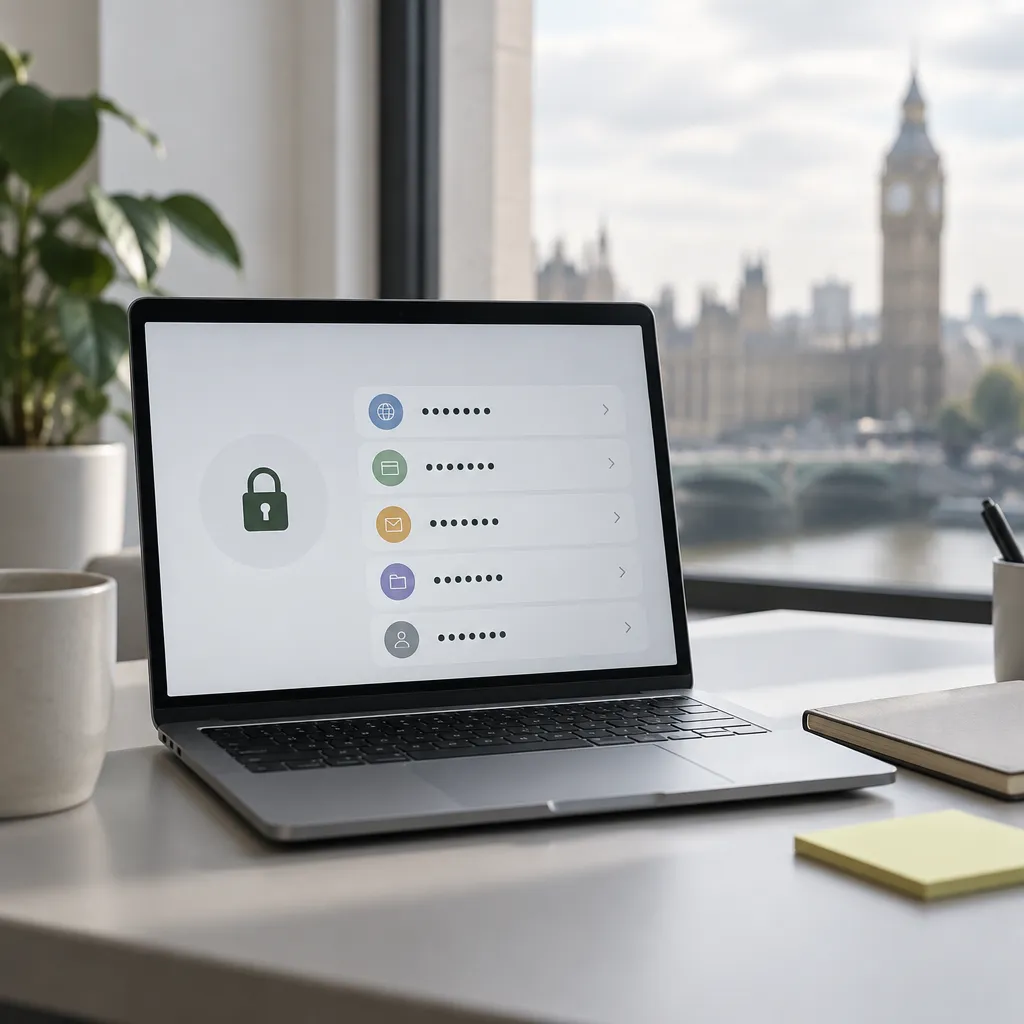
Sticky notes and notebooks carry the same weakness in physical form. They are visible to visitors, cleaners and anyone sharing the room, and they cannot be revoked. Once a credential is written down, the business has no reliable record of where copies exist.
The largest operational cost appears when someone leaves. A business that cannot list every account a former employee could reach cannot close those accounts with confidence. In most cases, the gap becomes visible only during a departure, when a supplier login or a social media account cannot be located.
What a Business Password Manager Provides
A business password manager stores credentials in an encrypted vault and lets administrators grant access to named groups or individuals. Bitwarden’s business material describes an end-to-end encrypted platform with secure sharing and robust permissions for teams, which illustrates the core feature set to look for.
Shared vaults with named permissions
The important question is not whether a vault can be shared but whether access can be scoped. Finance records should sit in a finance vault, and administrator credentials should be limited to the people who manage those systems. Staff who need a login for daily work should receive access without seeing or exporting the underlying password, where the platform allows it.
Credential lifecycle and offboarding
Bitwarden describes lifecycle management across creation, usage, rotation, retirement and succession of a credential. For an SME, the practical benefit is that the business can see which credentials exist and who holds them. Offboarding then becomes a defined checklist rather than a search through old files.
A password that nobody can account for is a risk to the business, even when the password itself is strong.
Offboarding should cover three actions: remove the person from every vault, rotate the shared credentials they knew and confirm that their active sessions have ended.
Comparing Password Management Approaches
Three approaches are common among London SMEs. The table below compares them against the controls that matter when access must be proven or withdrawn.
| Approach | Strengths | Limitations for a London SME |
|---|---|---|
| Spreadsheet or shared document | No licence cost and quick to start | No access history, copies persist and offboarding depends on memory |
| Browser-saved passwords | Convenient for individual staff members | Tied to individual devices, with limited sharing and no central removal of access |
| Business password manager with an admin console | Shared vaults, defined permissions and central administration | Requires a rollout effort, a named owner and a per-user licence |
Selection questions used by experienced administrators are consistent. A professional community thread about a business of around 50 people began with questions on budget, cloud or on-premises hosting, browser integration, password sharing, multi-factor authentication and directory integration. Those questions form a sound checklist for an SME shortlist.
Pro tip: Record the answers to the checklist above in the proposal before comparing prices. A platform that fails a mandatory requirement, such as directory integration, should be removed from the shortlist before cost is considered.
Rolling Out a Password Manager Across the Team
A password manager succeeds or fails during rollout. Moving every credential in one exercise rarely works, because staff continue to use old habits while the new process is still unfamiliar. A staged plan keeps daily work running and concentrates effort where risk is highest.
Migrating existing credentials in stages
Begin with email administration, Microsoft 365 administrator accounts, finance platforms and supplier portals. These accounts carry the greatest financial and operational exposure. Departmental logins can follow once the first group has been verified and the team understands how shared vaults work.
Setting an owner for each shared vault
Each vault needs one owner who approves membership and confirms removals. The platform itself also needs an administrator and a deputy, so that access changes can continue during holidays or sickness. Without a deputy, a single absence can delay an urgent offboarding.
Pro tip: Import the old spreadsheet into the new vault, then delete every copy, including those in email attachments, downloads folders and desktop files. A retained backup recreates the exposure that the migration is designed to remove.
Who Should Own Password Management
Many SMEs have no internal role responsible for credentials. Password administration touches onboarding, offboarding, multi-factor authentication and supplier accounts, so it tends to fall between roles. In a managed model, iTO.London acts as an outsourced IT department, runs vault administration, applies access changes through the agreed support channel and reports on quarterly reviews.
Matching plan size to headcount
Support plans are priced per user, so the right plan depends on the size of the team. Business 1 starts from £88.00 per user per month, Business 2 from £75.00 per user per month, Concierge Care from £63.00 per user per month and Concierge Plus from £130.00 per user per month. Essential 10 starts from £85.00 per user per month and includes 6 pooled engineer hours for 3 to 10 users, while Essential 25 starts from £58.00 per user per month with 16 hours for 10 to 25 users.
IT support plan starting rates include VAT. Licences, onboarding and additional work are itemised in the proposal, so password manager licence costs appear separately. On Essential plans, on-site work and projects are scoped separately.
Connecting Password Management to Wider Security Controls
A password manager reduces credential sprawl, but it does not replace other controls. Devices, remote connections and email accounts still determine whether the vault remains safe. The vault should be treated as one component of a wider security programme rather than a standalone purchase.
Multi-factor authentication for the vault
The vault’s own sign-in should use multi-factor authentication and a unique master passphrase. Because the vault holds many credentials, an attacker who obtains its login gains access to every system stored there. Our guidance on why multi-factor authentication is not enough for London SMEs explains where additional controls are required.

Reviewing access and linking devices
A quarterly review should confirm vault membership, administrator rights and shared credentials that have not changed in a long period. Devices used to access the vault should be managed and patched. Our guide to endpoint management for London SMEs sets out how device controls support this work, and remote access security covers connections from outside the office.
Frequently Asked Questions
Does a team of three need a business password manager?
A small team still needs a defined method for shared credentials. Shared vaults with named access provide a record of who holds each login, which a spreadsheet cannot provide, even for three people.
How should shared supplier logins be stored?
Store them in a shared vault with access limited to the people who need them. Rotate the credential when a person with access leaves or changes role.
Can staff continue to use browser-saved passwords?
Browser-saved passwords can be acceptable for personal accounts. Business credentials should sit in a managed vault, where administrators can remove access centrally.
How often should shared vault access be reviewed?
A quarterly review is a practical interval for most SMEs. Access should also be reviewed immediately after any departure or change of role.
Does iTO.London manage password platforms for clients?
iTO.London provides outsourced IT department services for London SMEs, and password administration falls within its security and compliance work. The exact scope is confirmed in the proposal for each client.
We welcome feedback from London business owners on how their teams currently store shared credentials and which step proved hardest to introduce.
We would love your feedback and any insights you would share with others. What perspective would you add?
References
- Vendor overview of business password management, sharing and credential lifecycle features
- Overview of password managers for teams and their governance capabilities
- Independent review of password managers, including passkey support
- Practitioner discussion on selecting a password manager for a small business